How to enable Windowed mode
Posted: 30 Jan 2026, 20:45
Works for both versions
1. Locate "autoexec.cfg" inside root folder
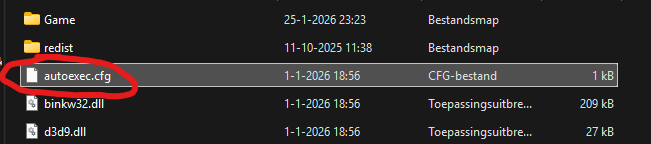
2. Open in text editor (notepad)
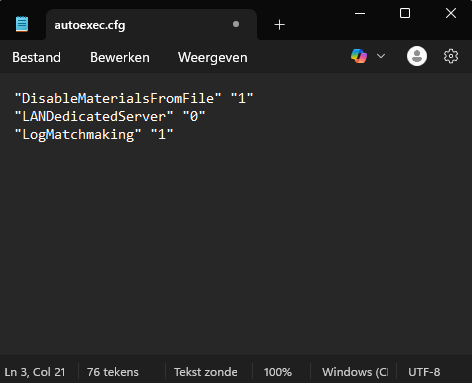
3. Copy/paste this text into autoexec.cfg like in the screenshot and save it
"Windowed" "1"
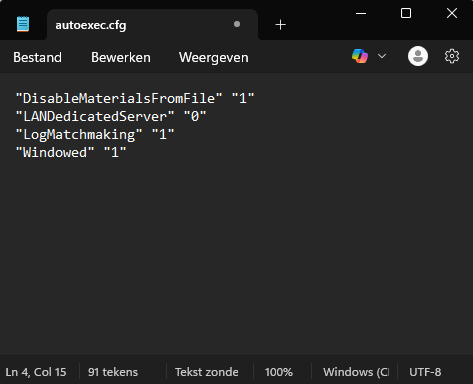
Change it to "Windowed" "0" to revert
1. Locate "autoexec.cfg" inside root folder
2. Open in text editor (notepad)
3. Copy/paste this text into autoexec.cfg like in the screenshot and save it
"Windowed" "1"
Change it to "Windowed" "0" to revert