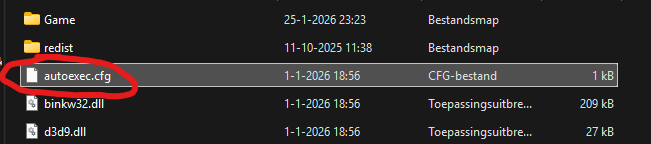
1. Locate "autoexec.cfg" inside root folder
2. Open in text editor (notepad)
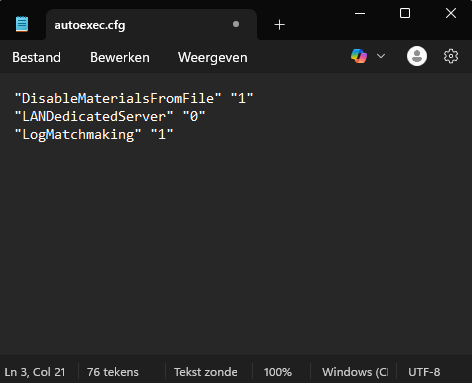
3. Copy/paste this text into autoexec.cfg like in the screenshot and save it
"Windowed" "1"
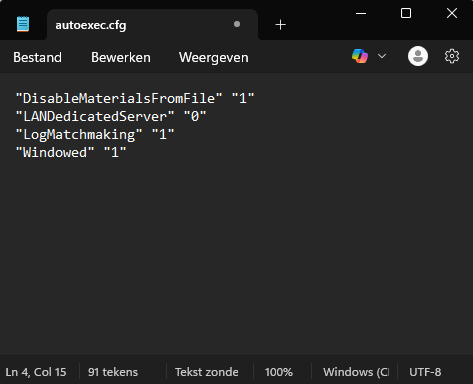
Change it to "Windowed" "0" to revert

 How to enable Windowed mode
Users browsing this forum: No registered users and 1 guest